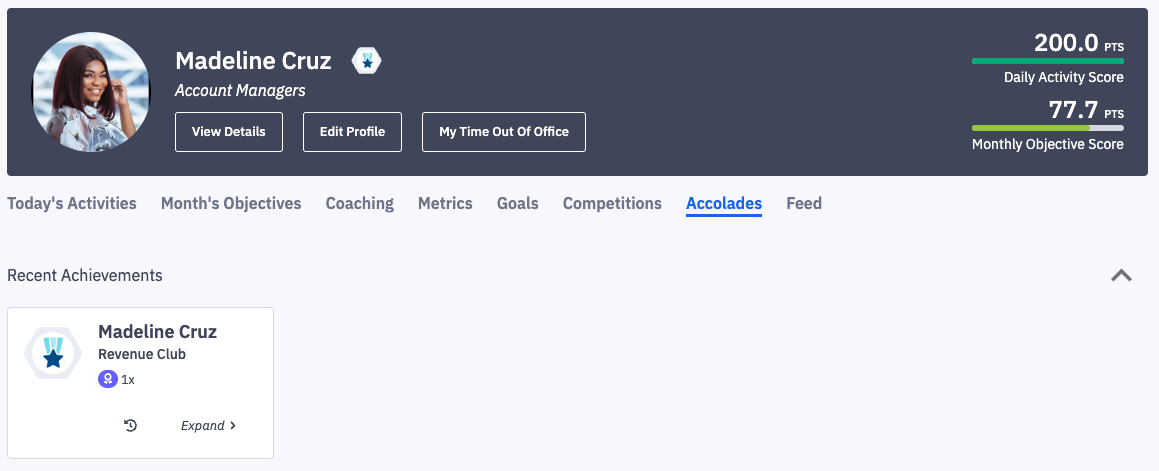
How do I pin accolade achievements to my dashboard?
Last updated: August 18, 2026
This feature is no longer supported in the 2026 Agentic Ambition release.
Pin Achievement to Your Dashboard
1. From the Dashboard > Accolade tab, click on the Expand button of the Accolade tile.
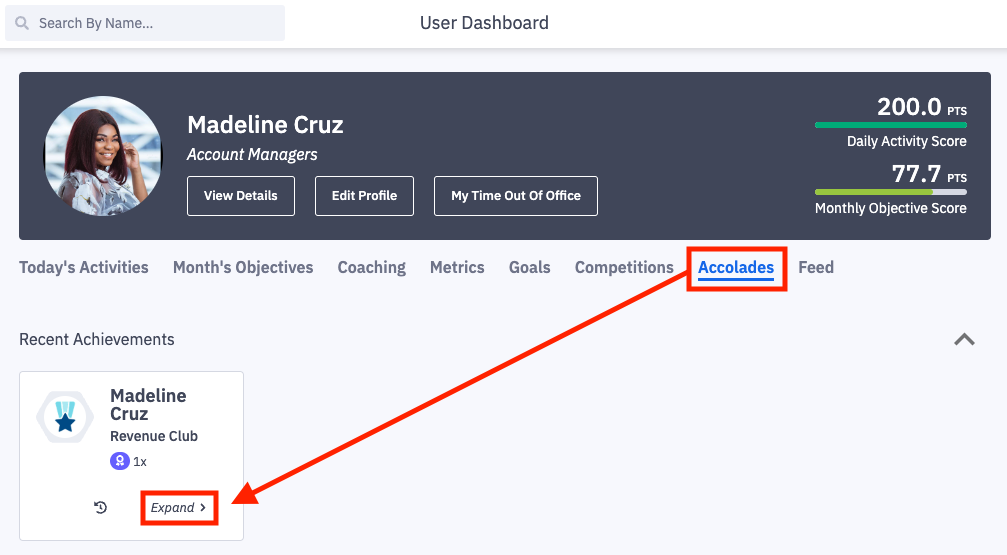
2. Click the push pin icon on the specific achievement you want to pin.
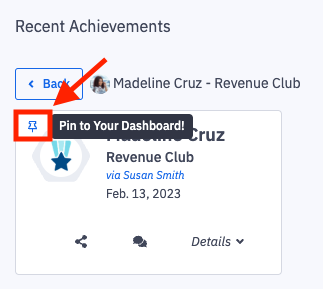
3. A confirmation notification will appear.

4. Refresh the page to see your pinned achievement!